Week 03: How to use GitHub
Learning how to use GitHub as a beginner

Every week, I make a visual map of my “learning life” — I share what I learn, how I learned it, and my learning doodle.
To me, GitHub is one of the most unnecessarily confusing sites on the internet for non-technical people. It uses all kinds of weird lingo like “fork a repository”, “pull requests”, “commits” and “branches”.
After scouring the internet for a GitHub newbie tutorial, I finally learned enough of GitHub to “push my first commit” (fancy tech speak for putting my code into a GitHub folder).
🔨 WHAT I LEARNED
GitHub is basically like Google Docs, but for code. You know how Google Docs lets you track changes and see who wrote what? GitHub does the same for code files.
Here’s how it works. Let’s say you just finished writing some code in your local computer. When you’re ready to save your code, you make a “commit” — which is kind of like saving a snapshot of your project. Once you made your commit, you can “push” your project into GitHub — in other words, you upload your project to the cloud where it’s safely stored and accessible from anywhere.
That’s basically how you can access all of my Python projects so far: https://github.com/adriana-vanegas/python-learning
After learning a bit of the basics, GitHub’s confusing lingo didn’t feel as intimating.
👩🏫 HOW I LEARNED
For some reason, a lot of “beginner” GitHub tutorials skip over the actual first steps of getting started with GitHub. But I finally found a 22-minute Git, GitHub, & GitHub Desktop for Beginners video by @TheCoderCoder’s — highly recommend!
If you have extra time and you’re looking for a deeper explanation, I also recommend @SuperSimpleDev’s Git and GitHub - 0 Experience to Professional video tutorial.
✍️ MY LEARNING DOODLE
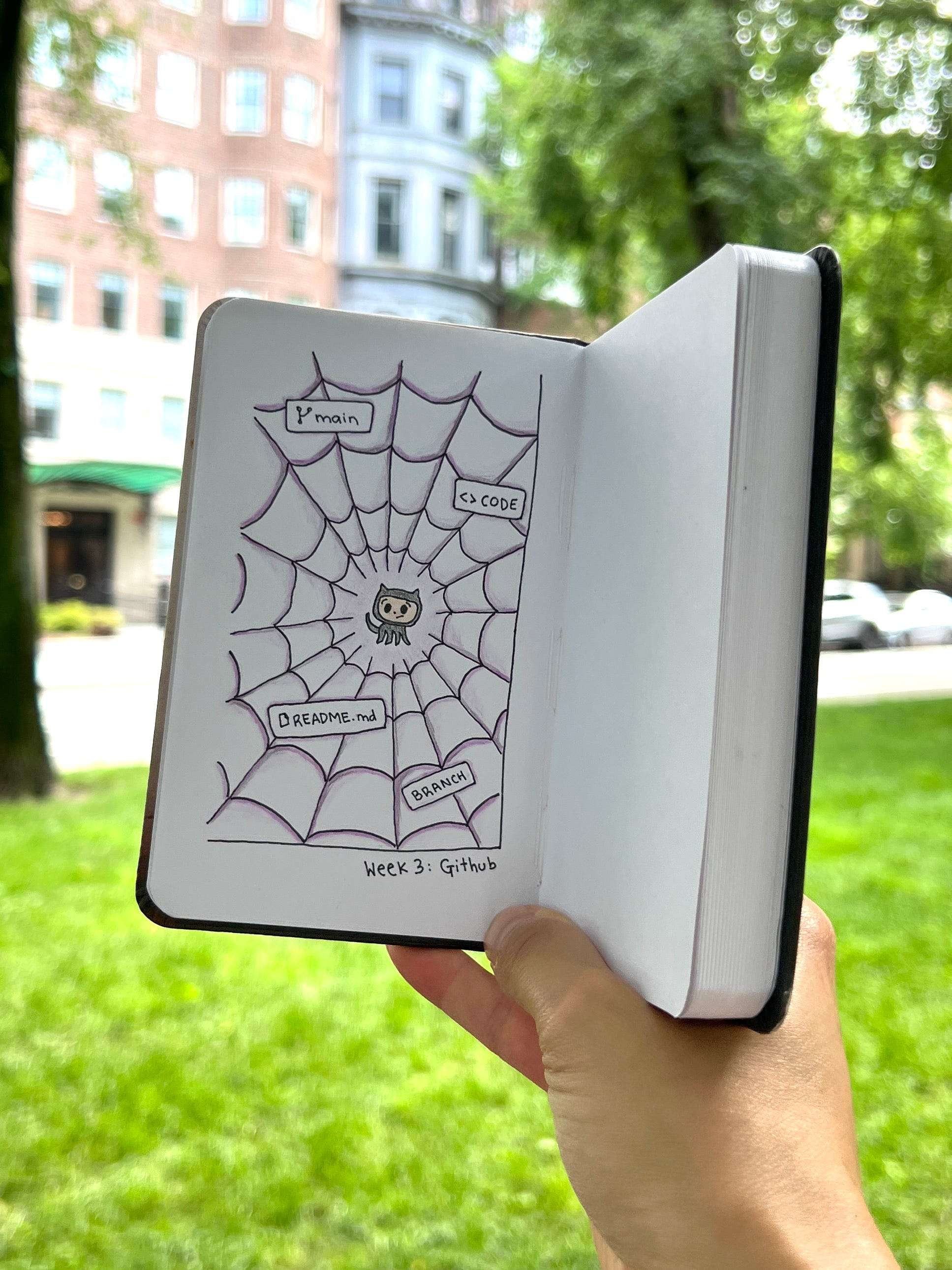
GitHub’s mascot (“Octocat”) caught in a spider web of weird GitHub lingo.